 XPCGame

01
About This Game
1. Run “VBS.cmd” file with “Run as Administrator”. And pleas read the displayed information carefully before proceeding.
– Once complete, your PC will automatically restart.
– During the restart process, you will see a blue screen, you must press F7 and select “Disable Driver Signature Enforcement”.
2. Start game from “game/MonopolyMadness.exe” (with “Run as Administrator”).
3. Enjoy ;')
NOTE 1: After you are done playing the game, it is highly recommended to revert the changes by run “VBS.cmd” file, select “Revert” (by pressing key 3)
NOTE 2: Each time you start the game, you need to repeat all the steps above.
In this race for fame and fortune, the rules have changed slightly:
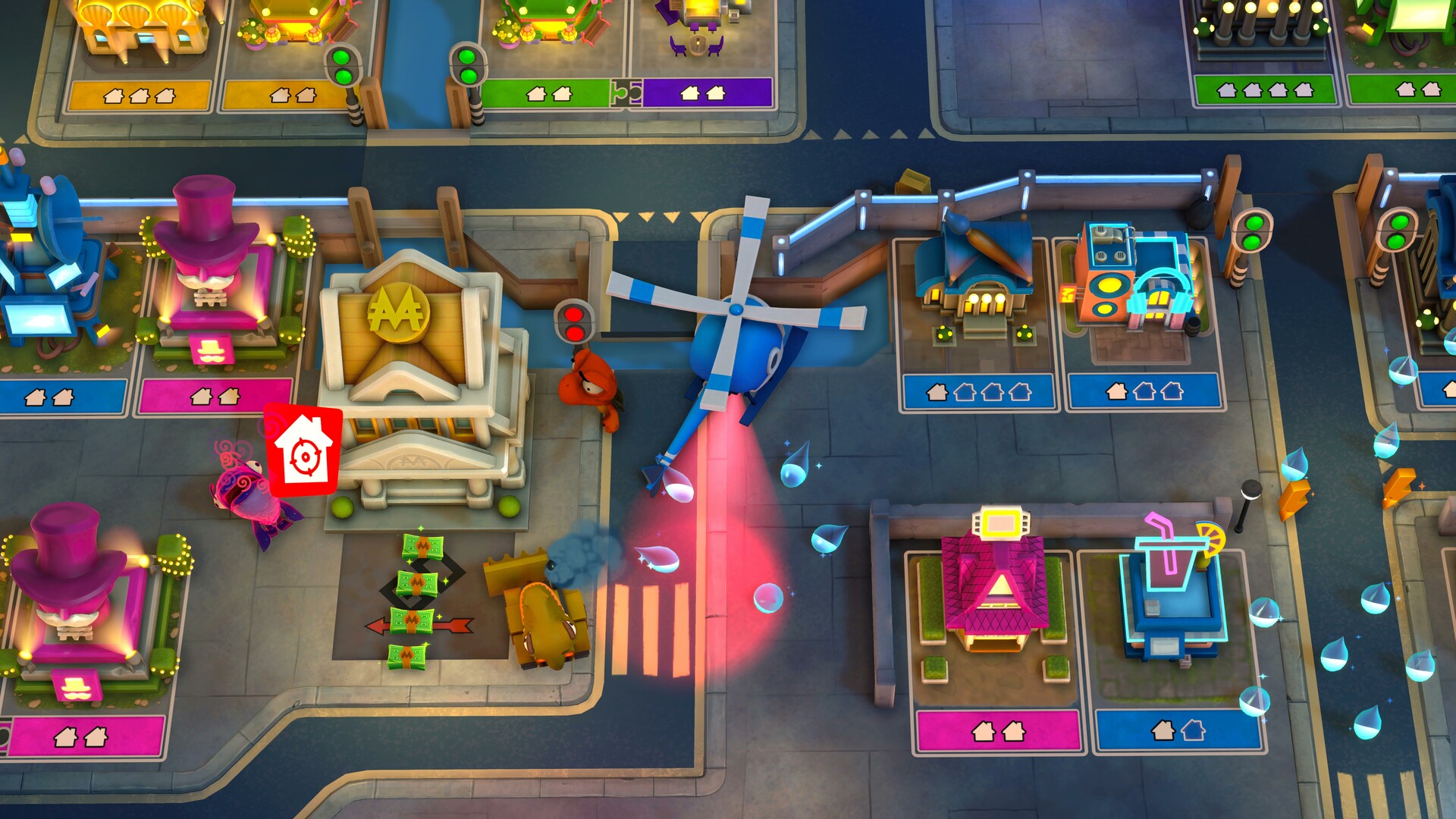
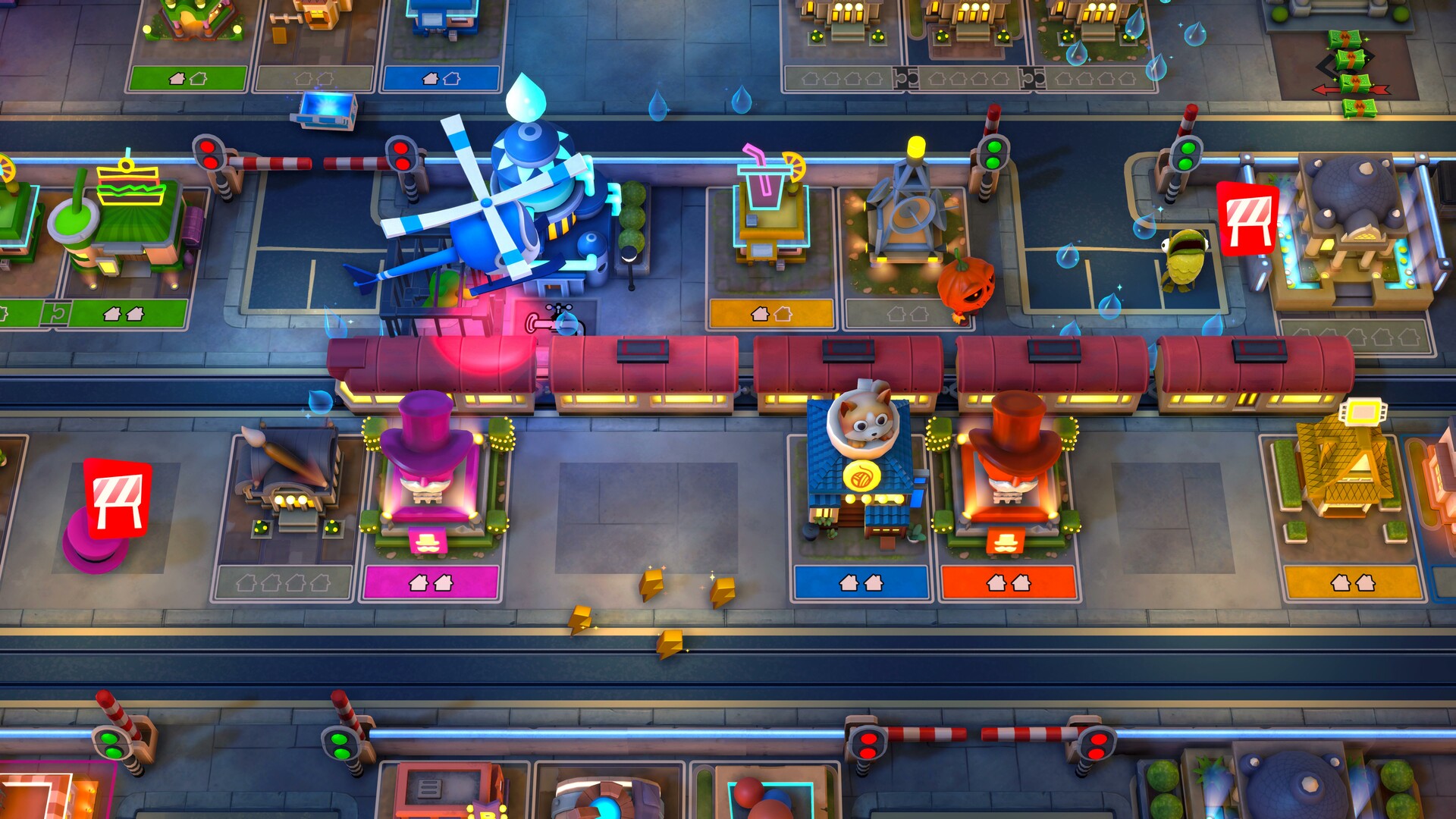
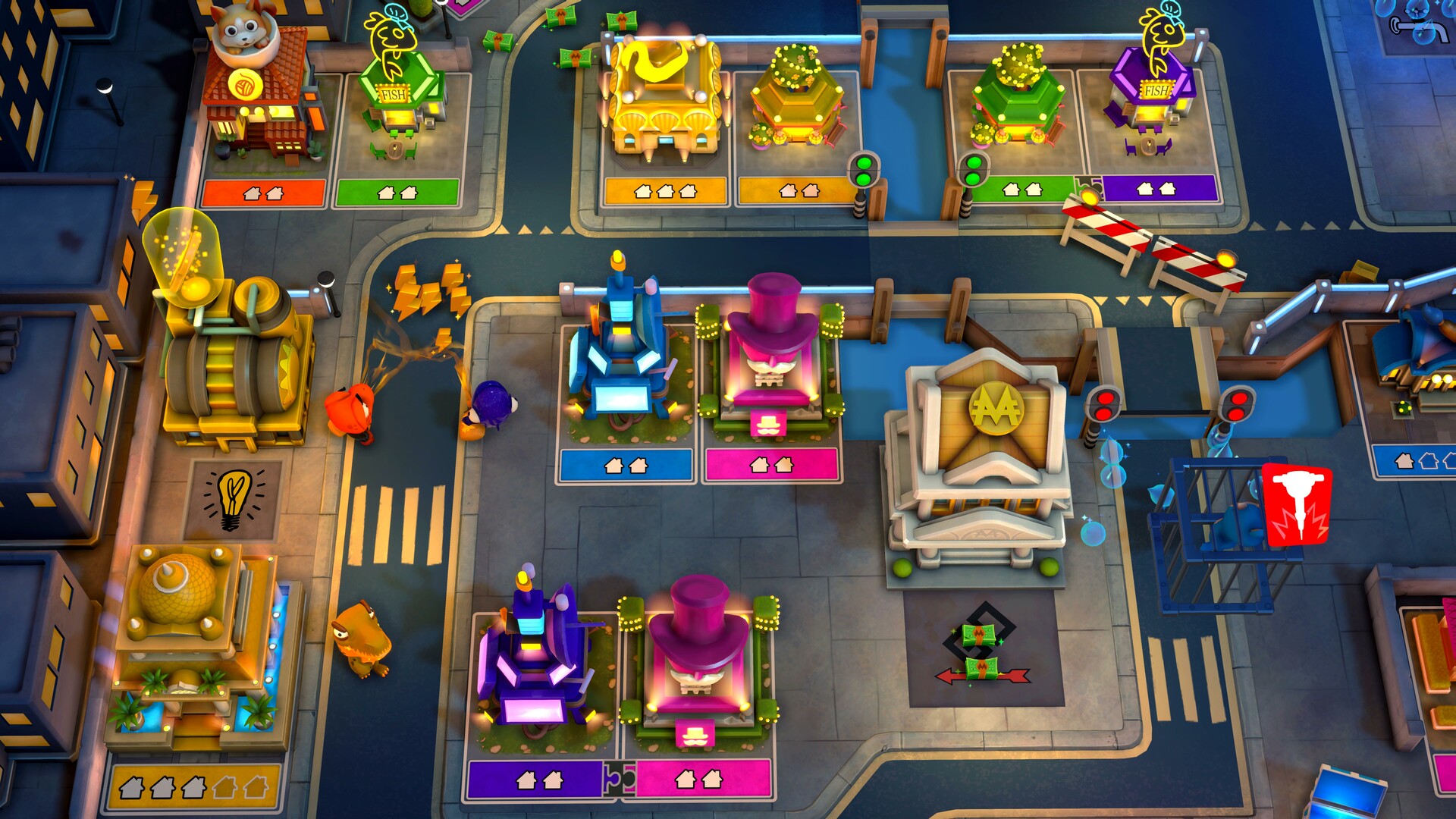
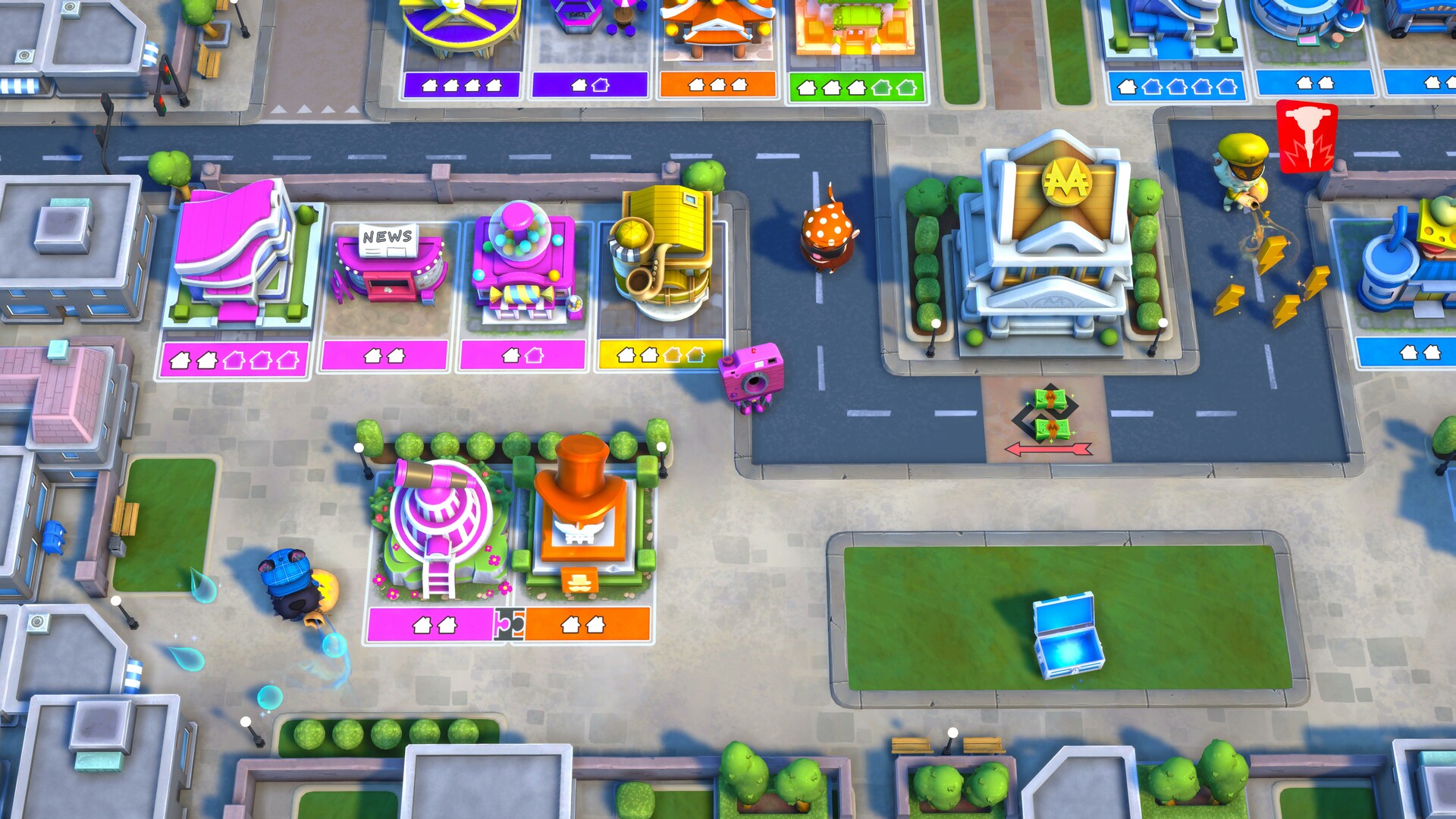
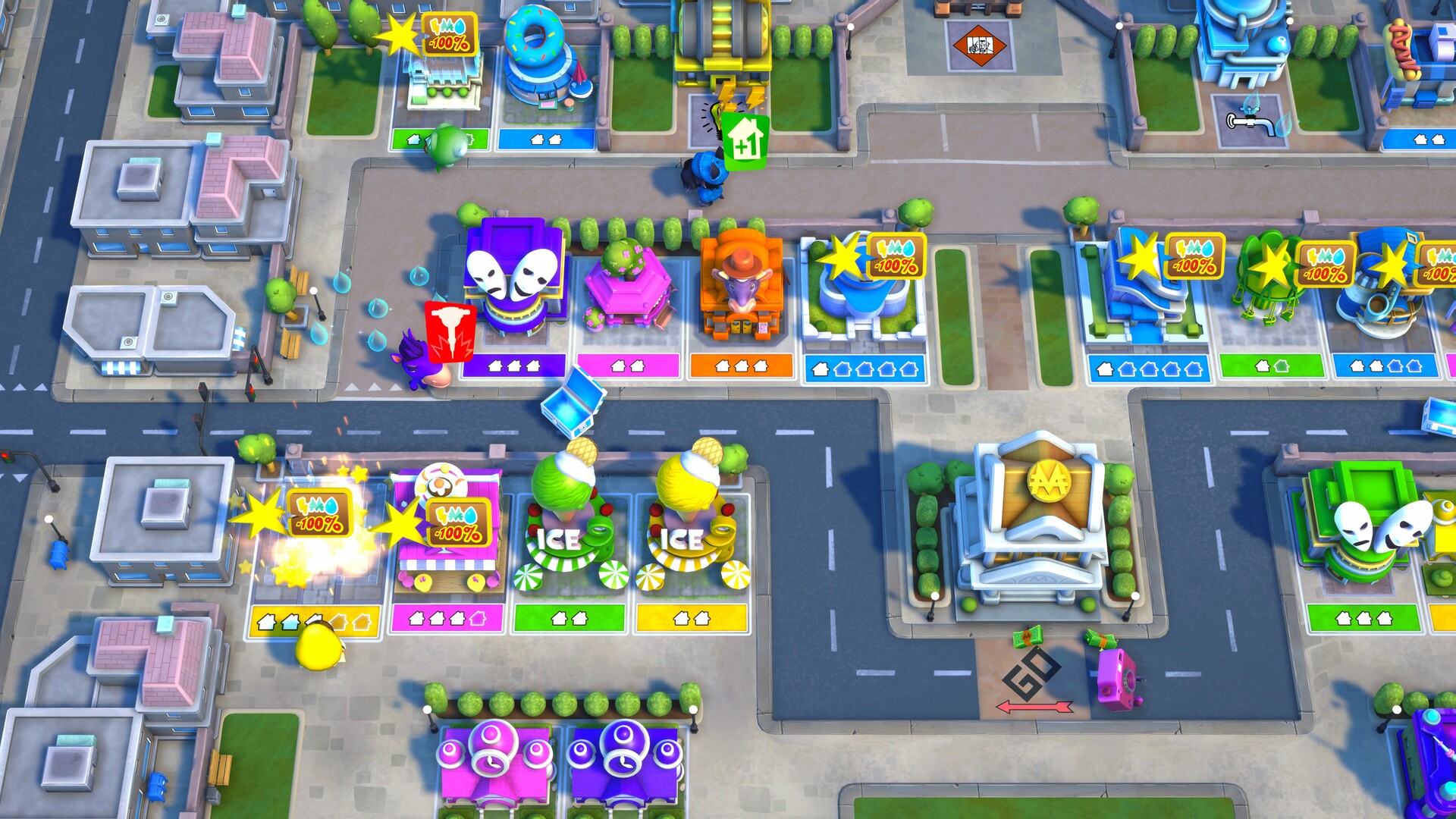
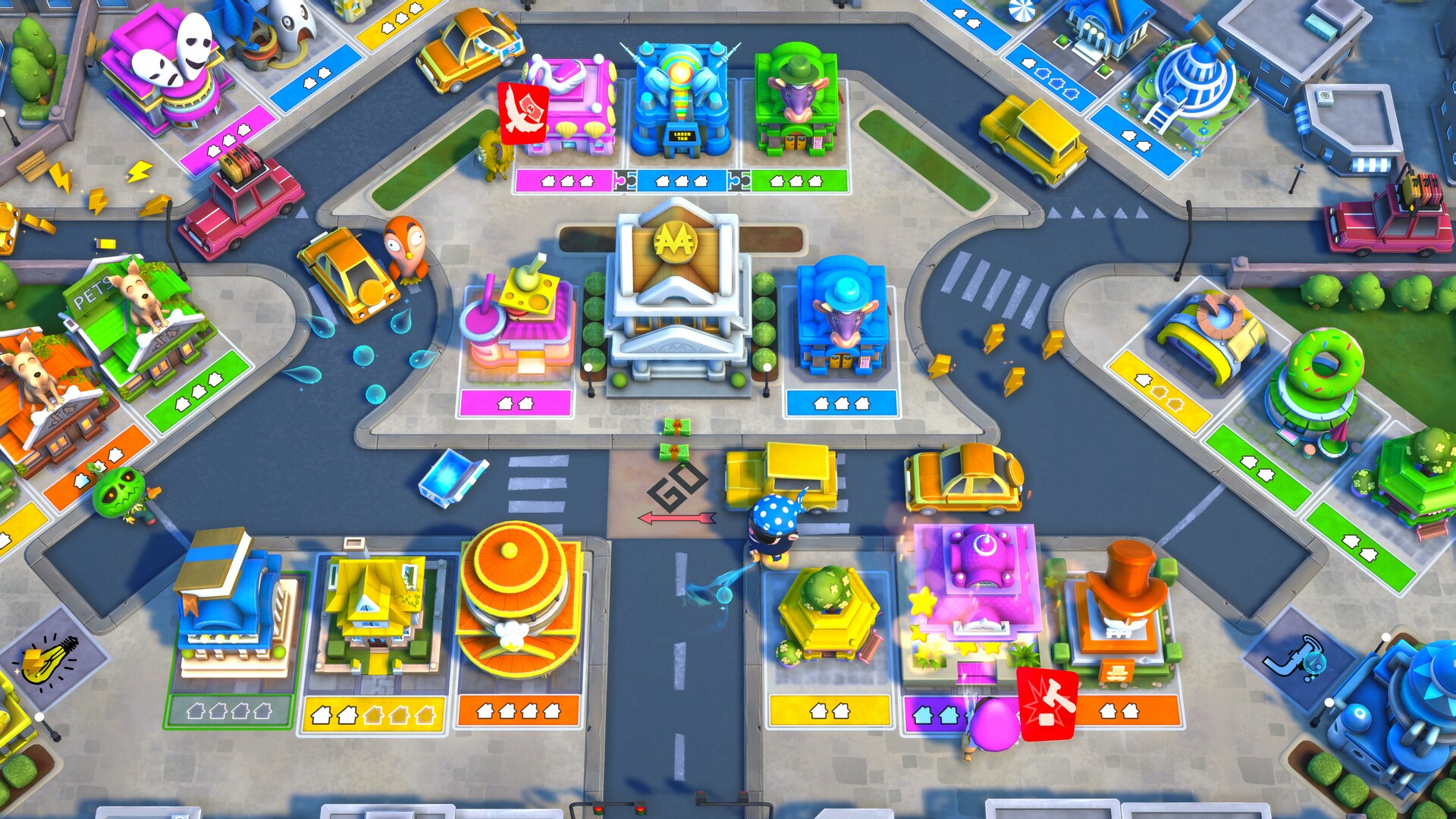
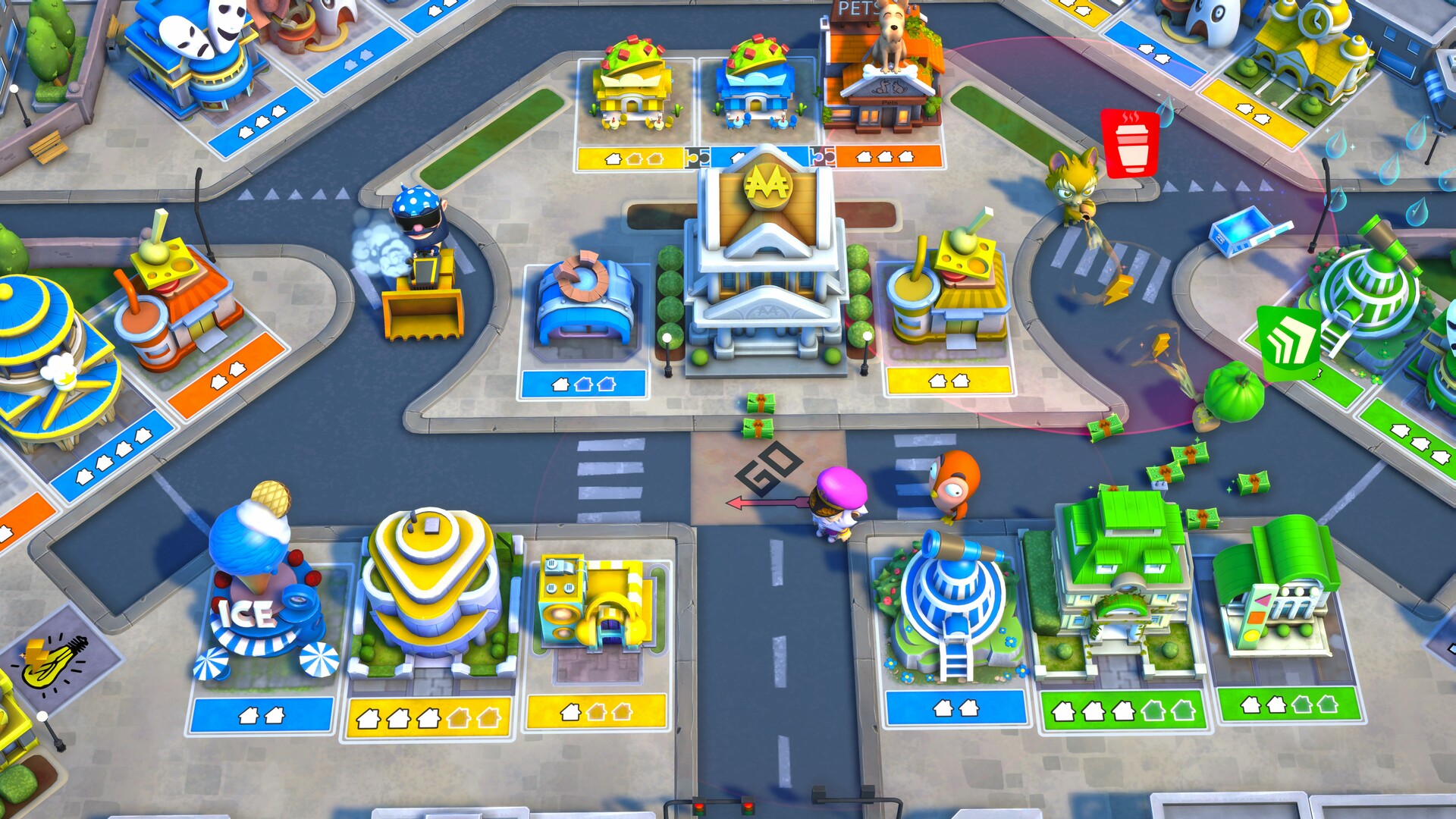
- No more board! Roam the streets of Monopoly Town to collect money, water, and electricity.
- 20 NEW playable characters inspired by classic MONOPOLY® tokens.
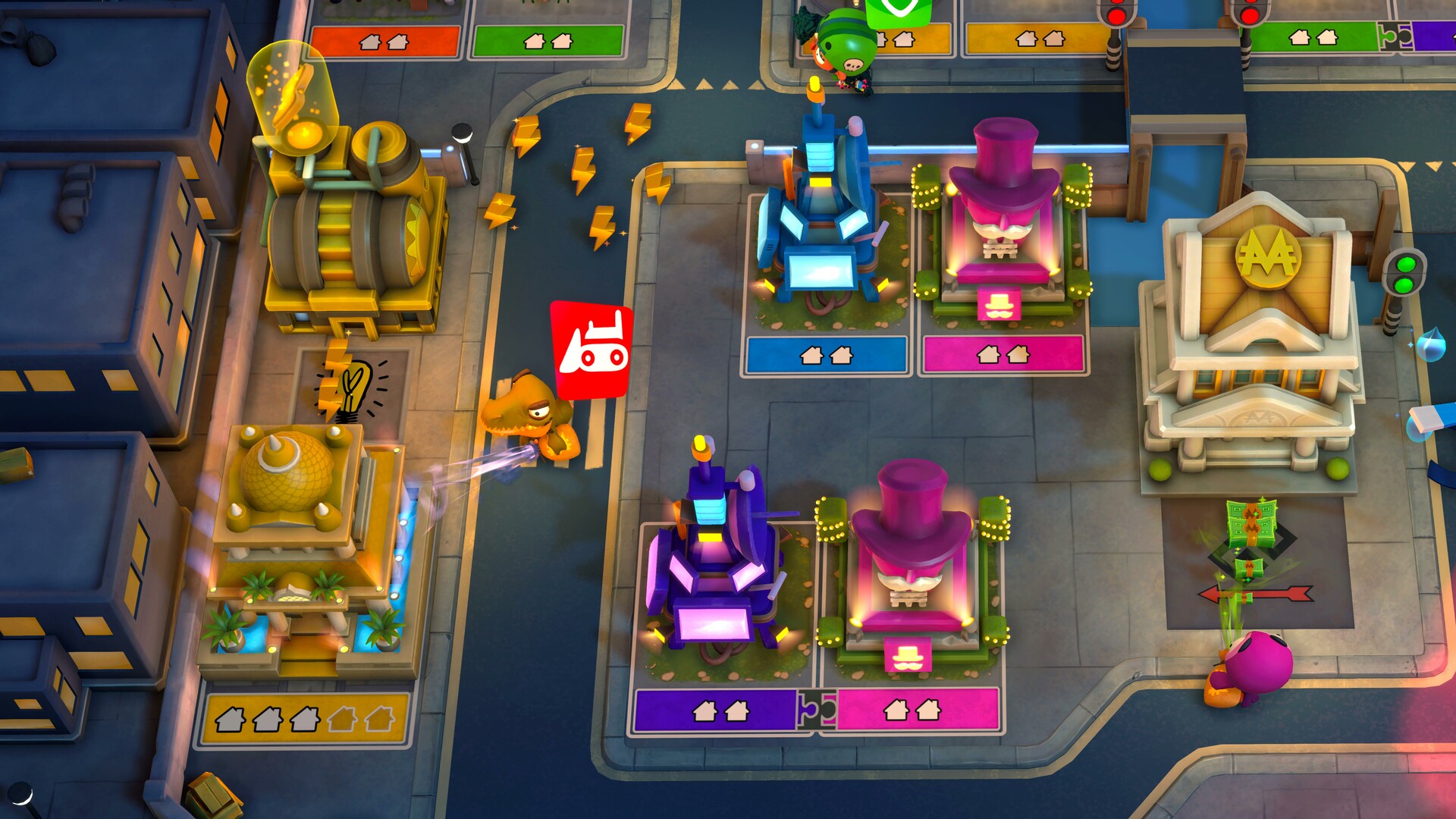
- Discover 4 unique environments, each with several levels and layouts.
- Play with up to 6 players online or locally.
- Get power-ups from the Community Chests! Use them to mess with your opponents and gain an advantage to win.
Before You Start
- For help with downloading or installing, see the installation guide and launch troubleshooting guide.
- Support the developers by buying the original game from the official store.
- Copyright enquiries: [email protected]