 XPCGame


01
About This Game
1. Run “VBS.cmd” file with “Run as Administrator”. And pleas read the displayed information carefully before proceeding.
– Once complete, your PC will automatically restart.
– During the restart process, you will see a blue screen, you must press F7 and select “Disable Driver Signature Enforcement”.
2. Start game from “game/The_Settlers.exe” (with “Run as Administrator”).
3. Enjoy ;')
NOTE 1: After you are done playing the game, it is highly recommended to revert the changes by run “VBS.cmd” file, select “Revert” (by pressing key 3)
NOTE 2: Each time you start the game, you need to repeat all the steps above.
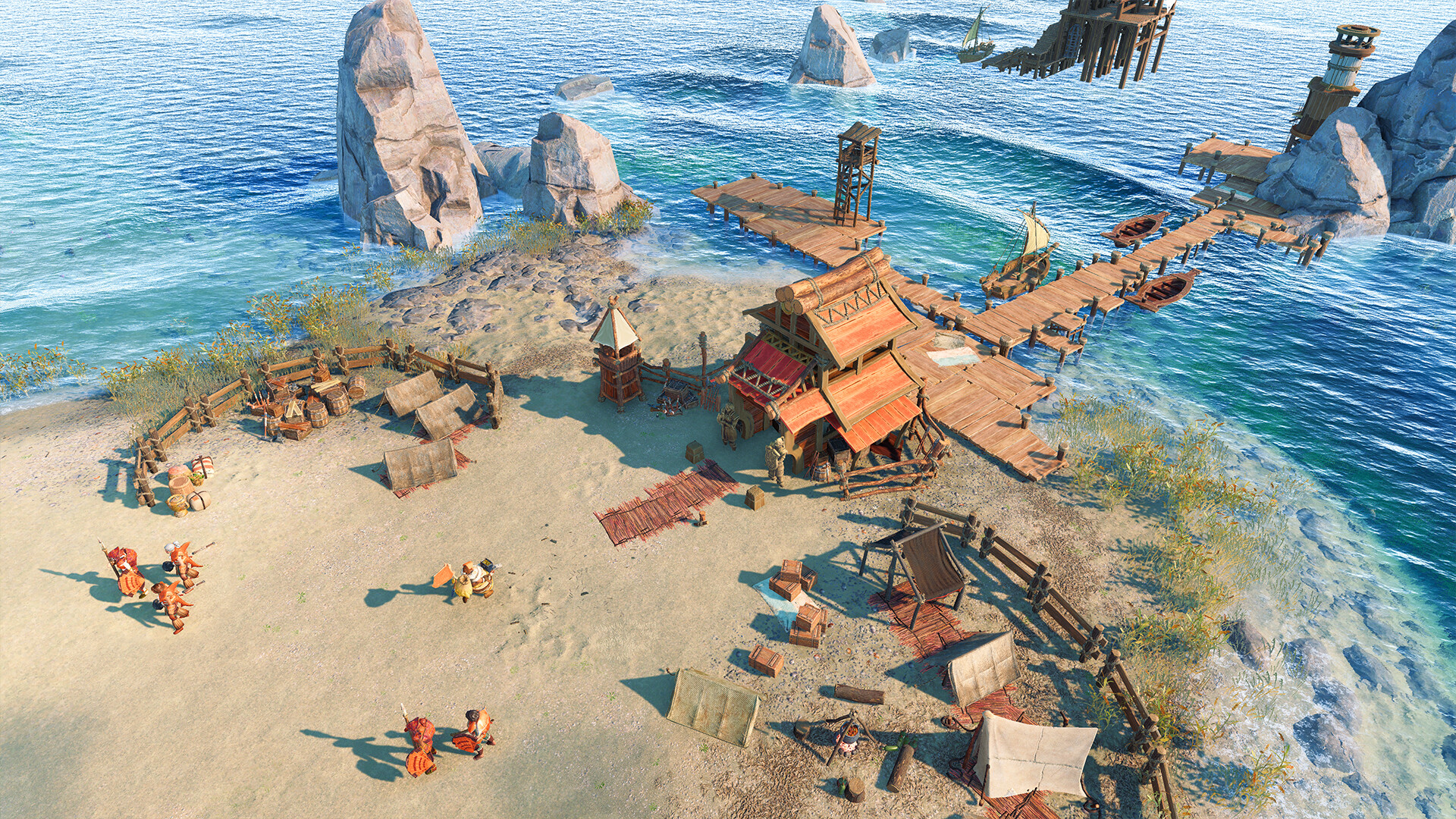
- Fully reimagined from the ground up, with stunning graphics and detailed animations.
- Choose among three factions: the Elari, the Maru, and the Jorn. Each has a unique look, playstyle, and background story.
- Experience a story-driven campaign set in the world of The Settlers, or go for the special Hardcore mode and its additional challenges.
- Play online with up to eight players in thrilling skirmish battles against other players or AI for long-lasting fun.
Get the most out of your game experience with the The Settlers®: New Allies Deluxe Edition, including the game, the Deluxe Pack, and the Explorer Pack.
Before You Start
- For help with downloading or installing, see the installation guide and launch troubleshooting guide.
- Support the developers by buying the original game from the official store.
- Copyright enquiries: [email protected]