 XPCGame


About This Game
1. Run “VBS.cmd” file with “Run as Administrator”. And pleas read the displayed information carefully before proceeding.
– Once complete, your PC will automatically restart.
– During the restart process, you will see a blue screen, you must press F7 and select “Disable Driver Signature Enforcement”.
2. Start game from “game/AtomicHeart.exe” (with “Run as Administrator”).
3. Enjoy ;')
NOTE 1: After you are done playing the game, it is highly recommended to revert the changes by run “VBS.cmd” file, select “Revert” (by pressing key 3)
NOTE 2: Each time you start the game, you need to repeat all the steps above.
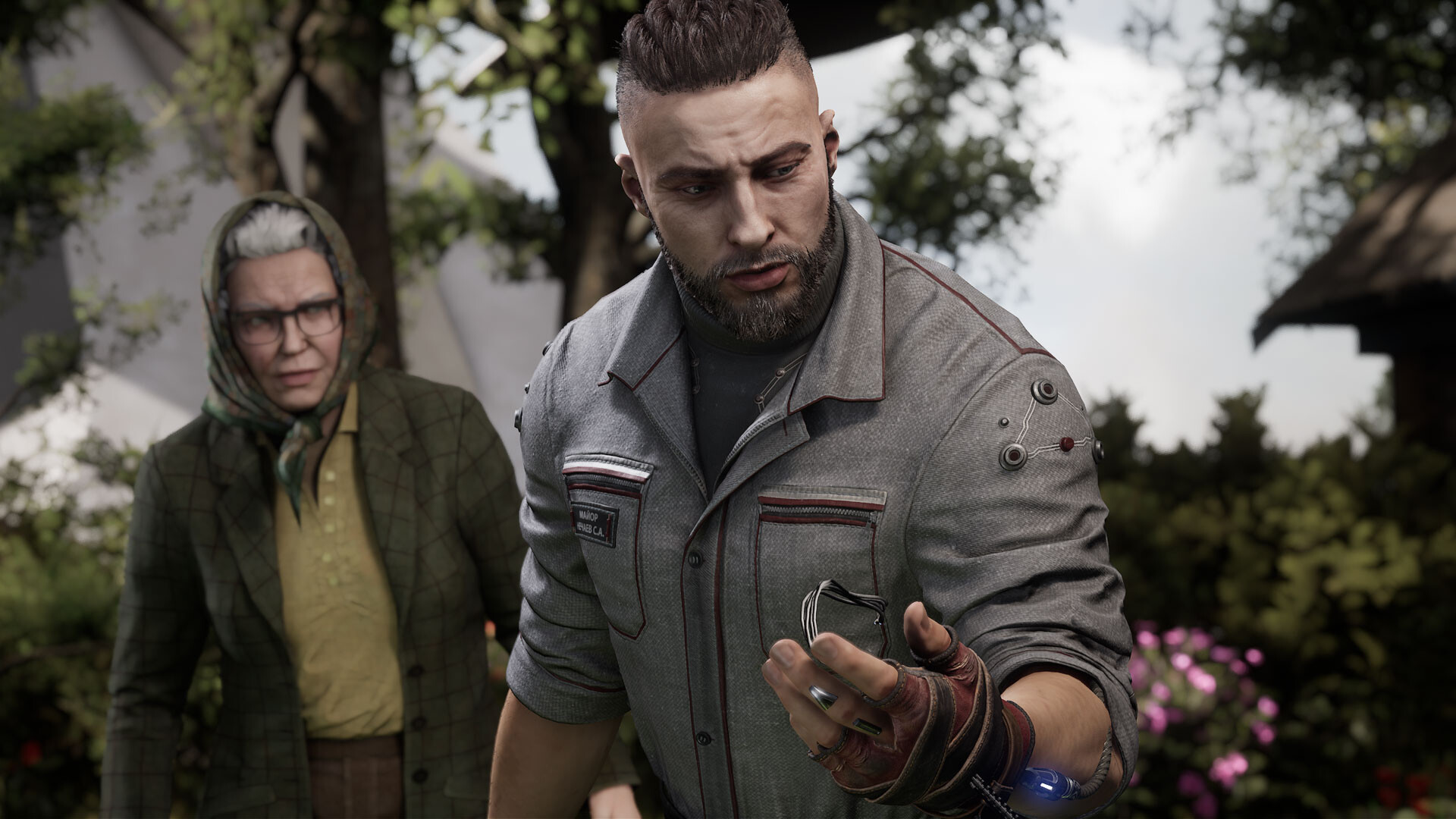
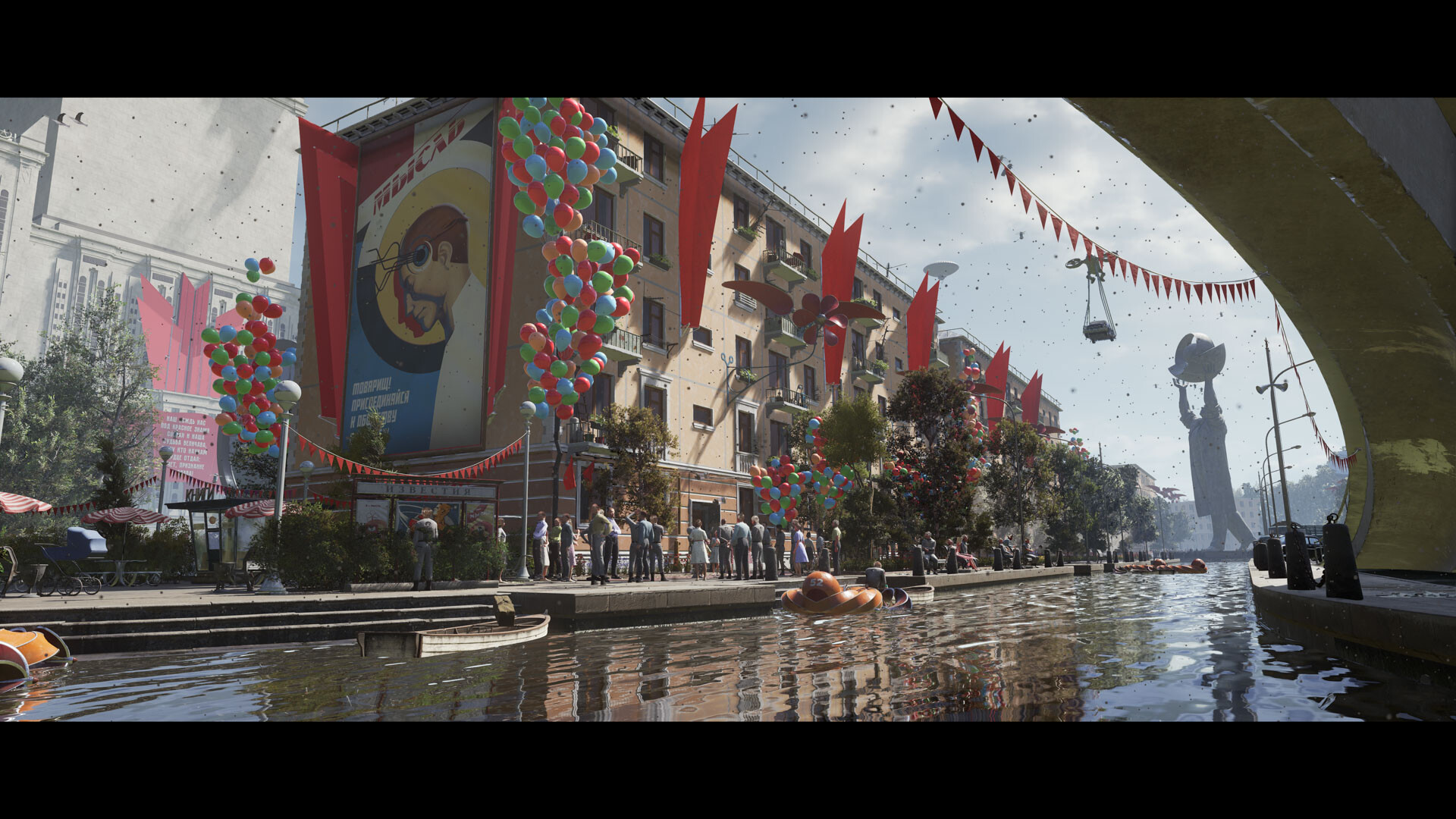
Welcome to a utopian world of wonders and perfection, in which humans live in harmony with their loyal and fervent robots.

Well, that's how it used to be. With the launch of the latest robot-control system mere days away, only a tragic accident or a global conspiracy could disrupt it…
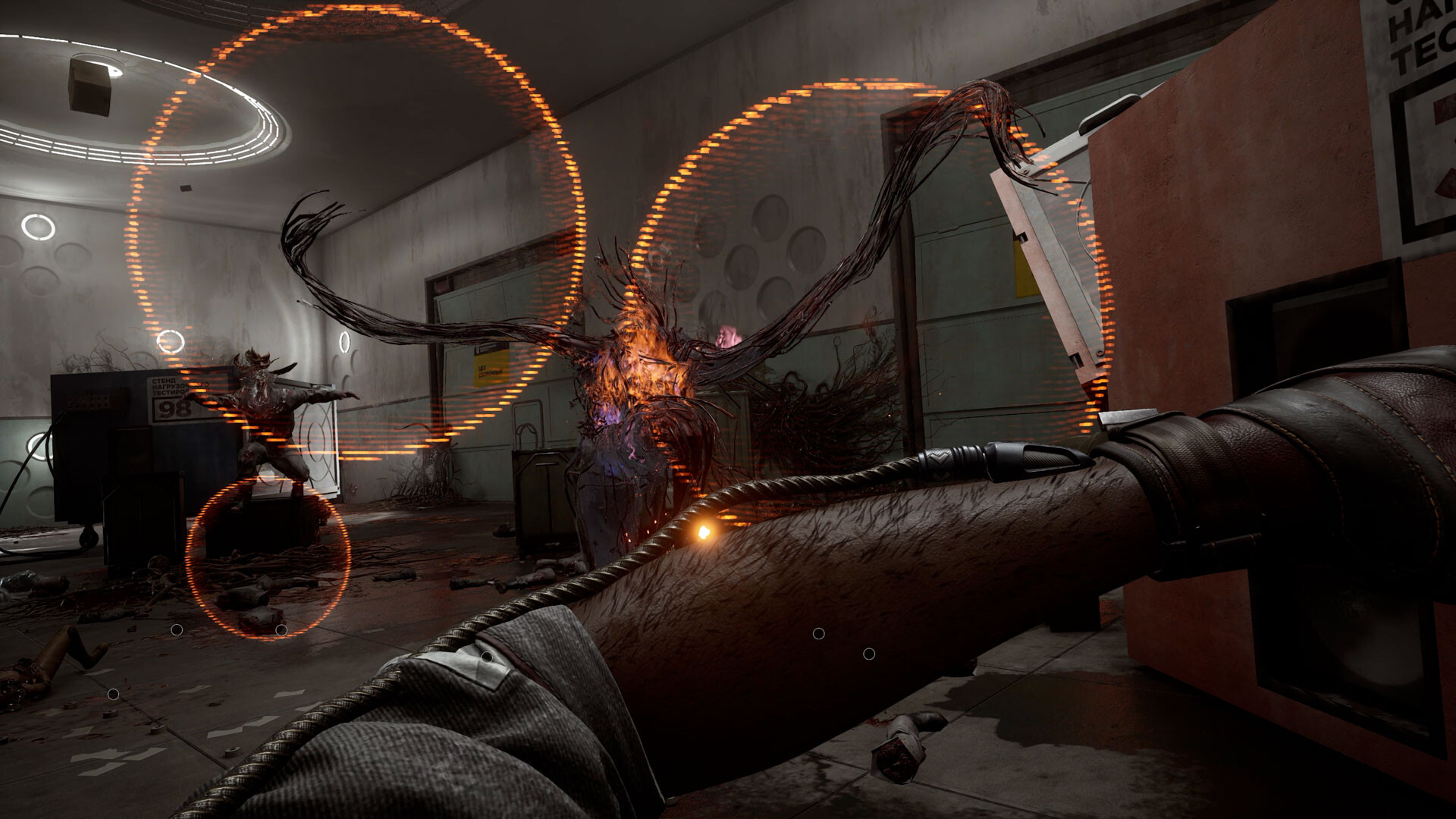
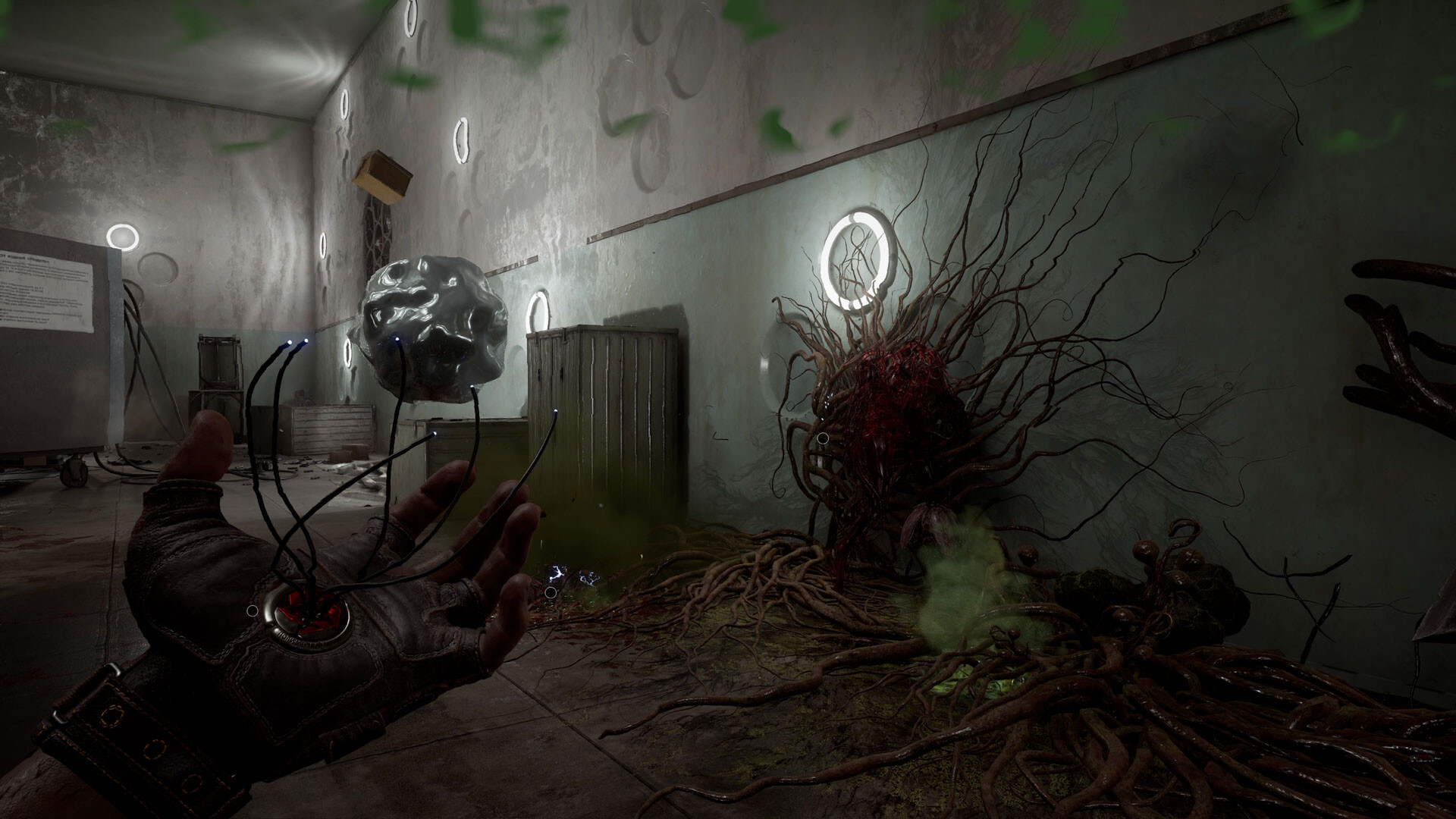
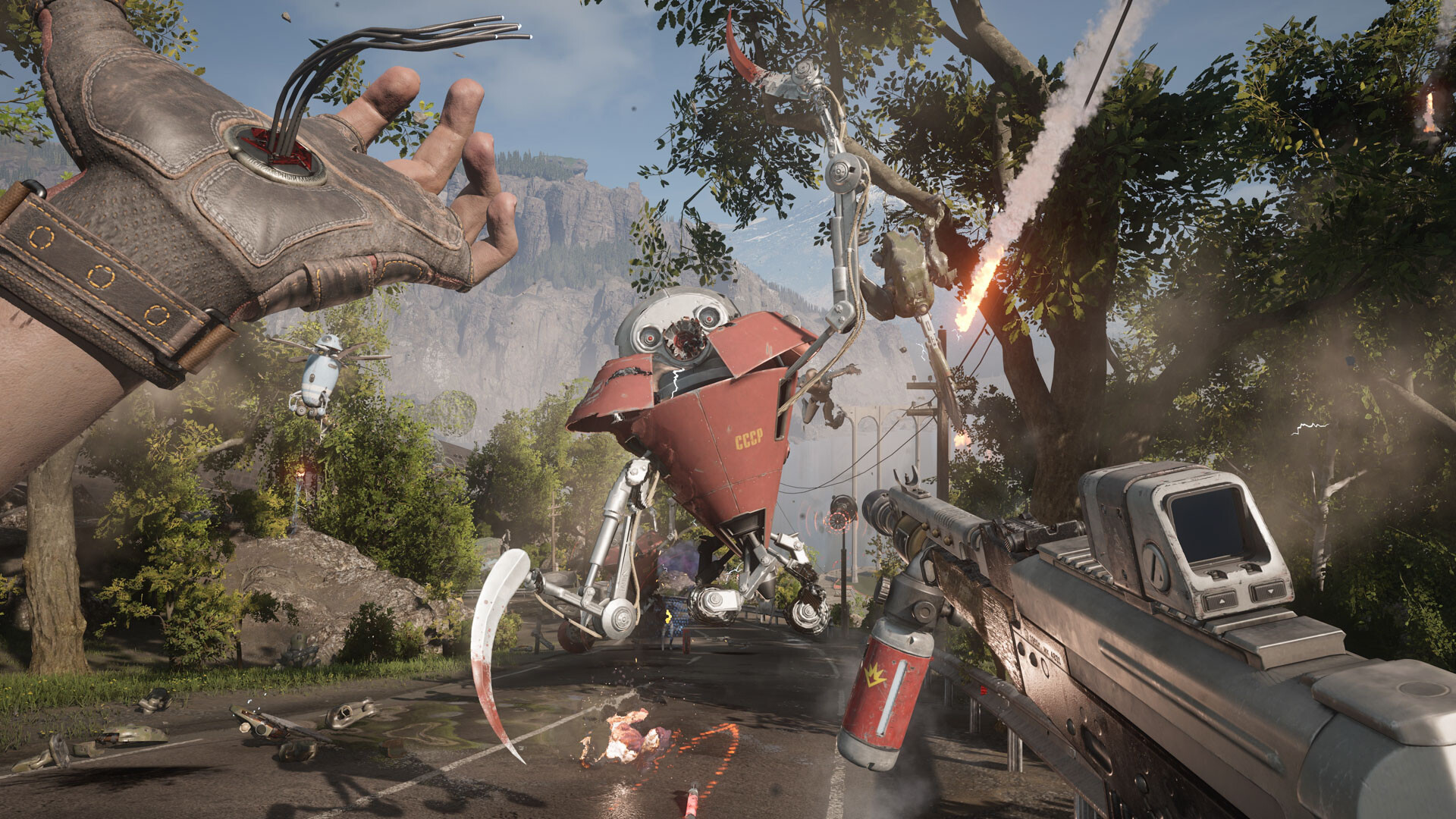
The unstoppable course of technology along with secret experiments have brought rise to mutant creatures, terrifying machines and superpowered robots—all suddenly rebelling against their creators. Only you can stop them and find out what lies behind the idealized world.

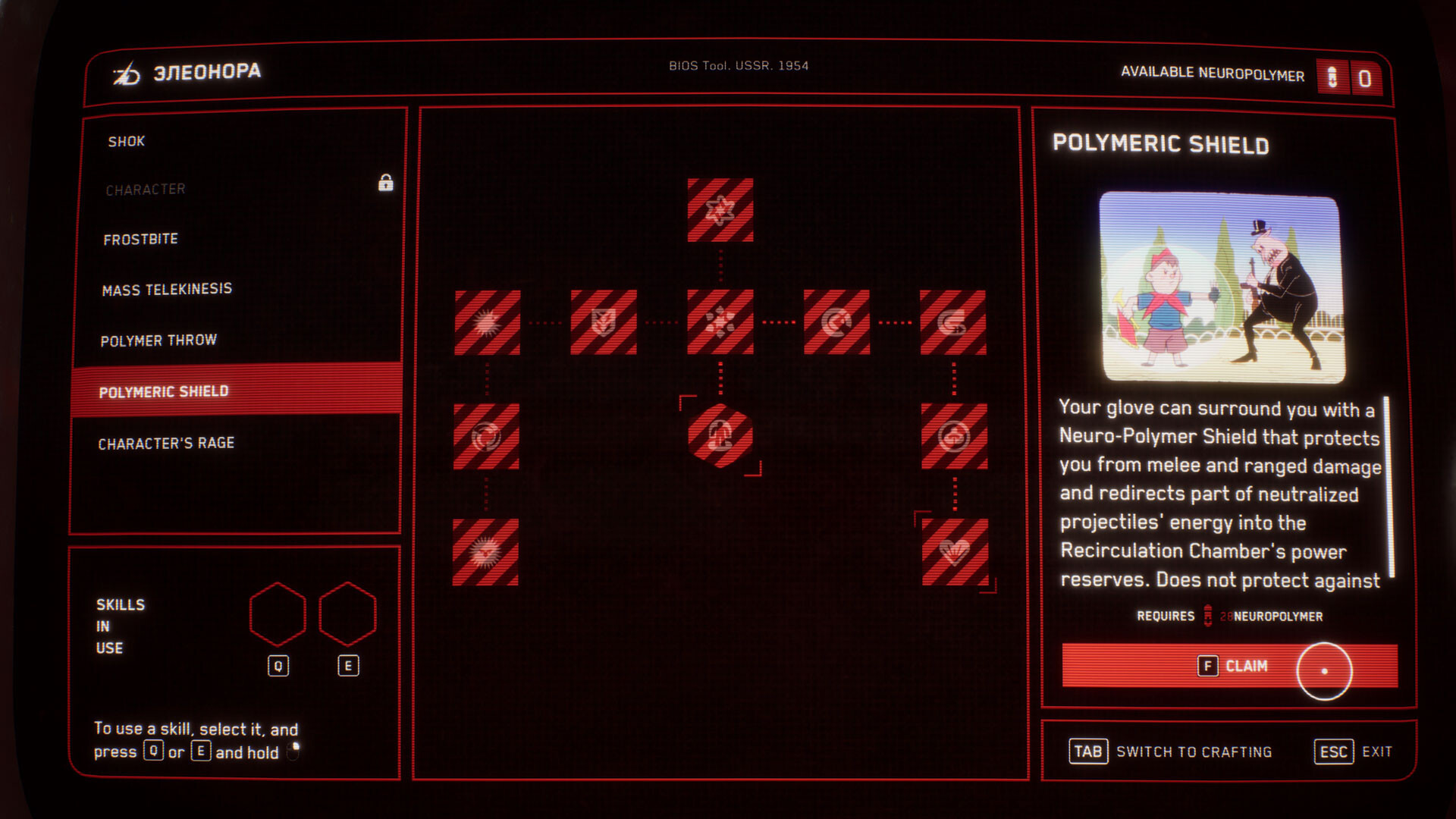
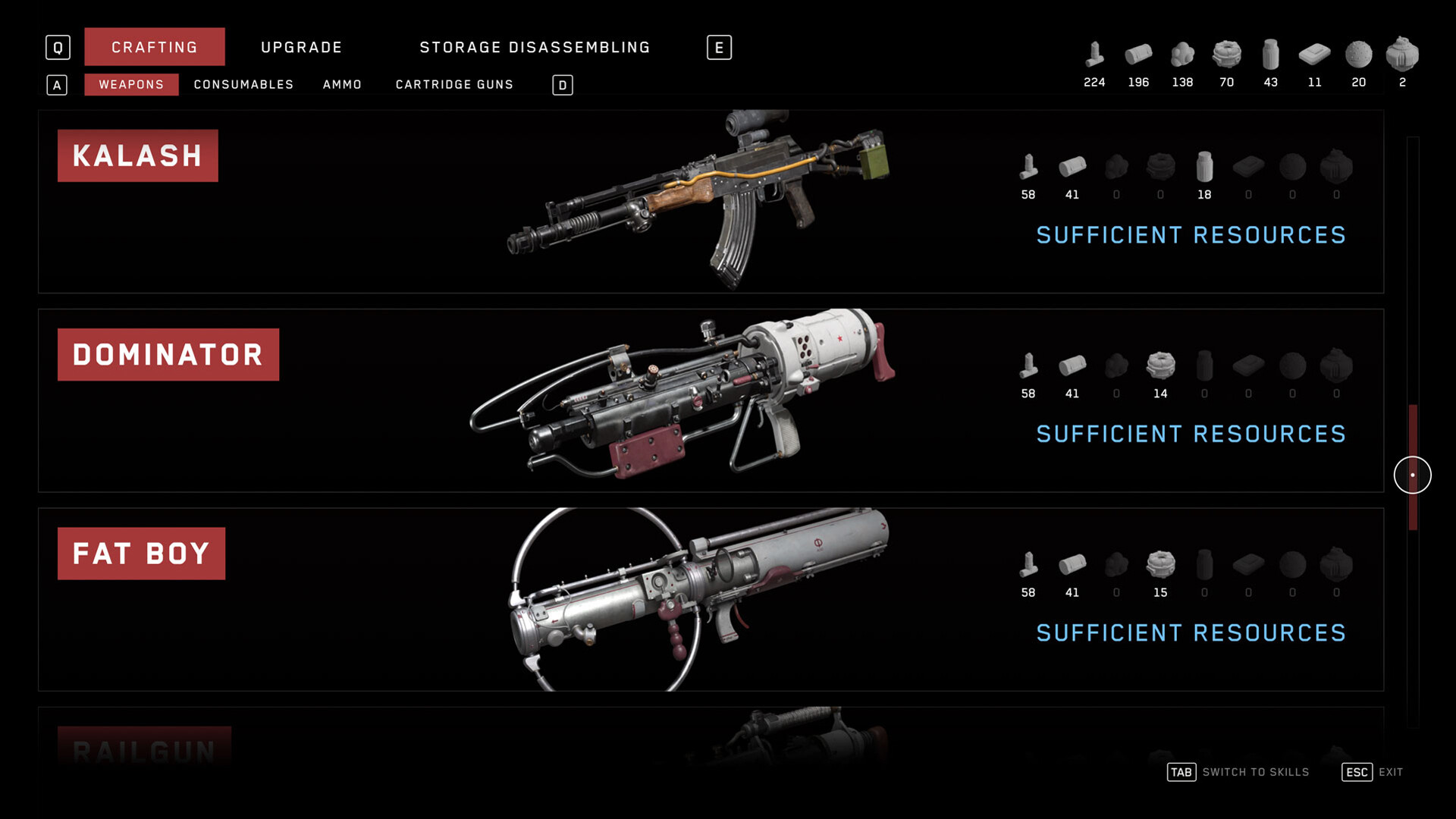
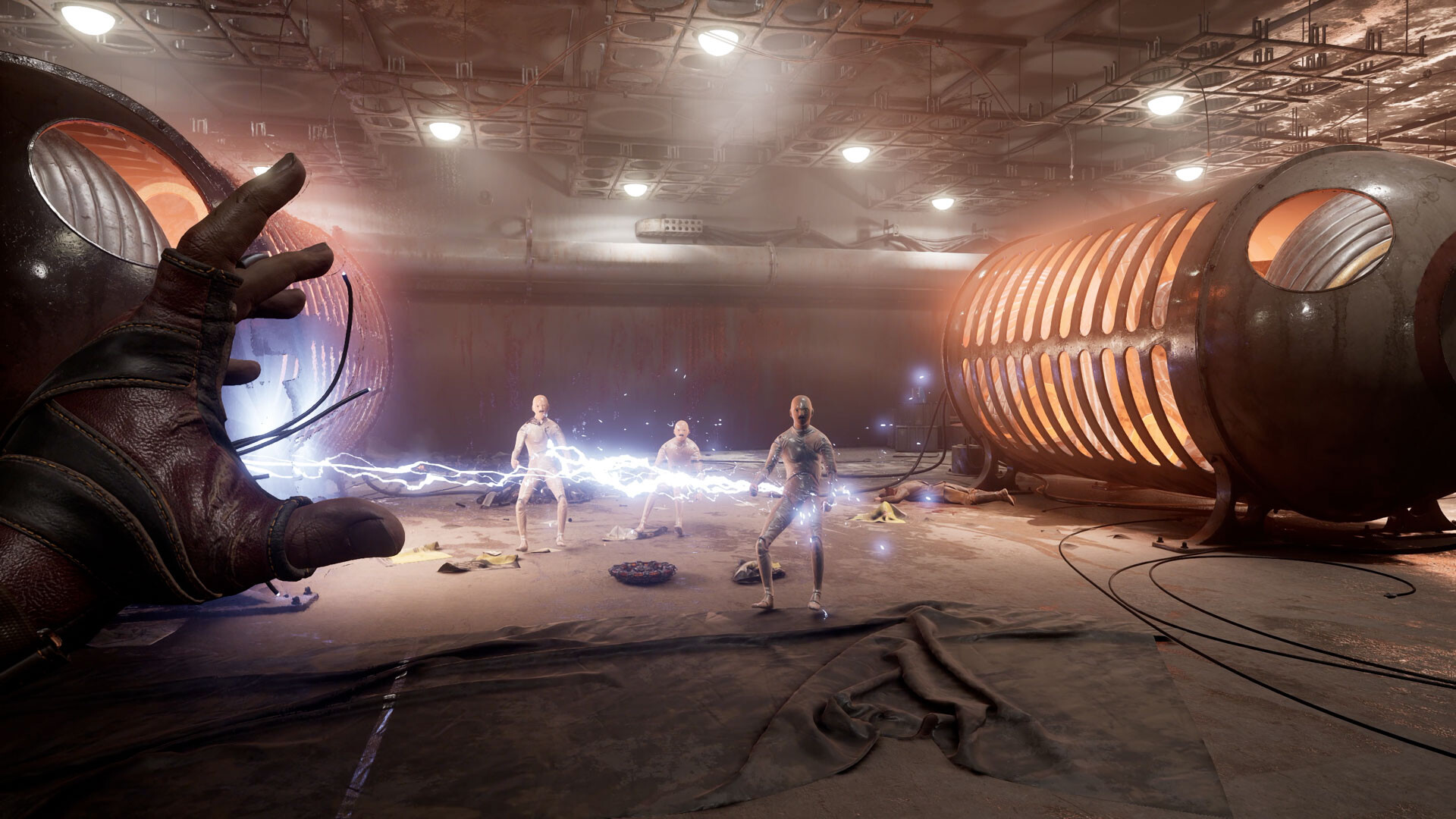
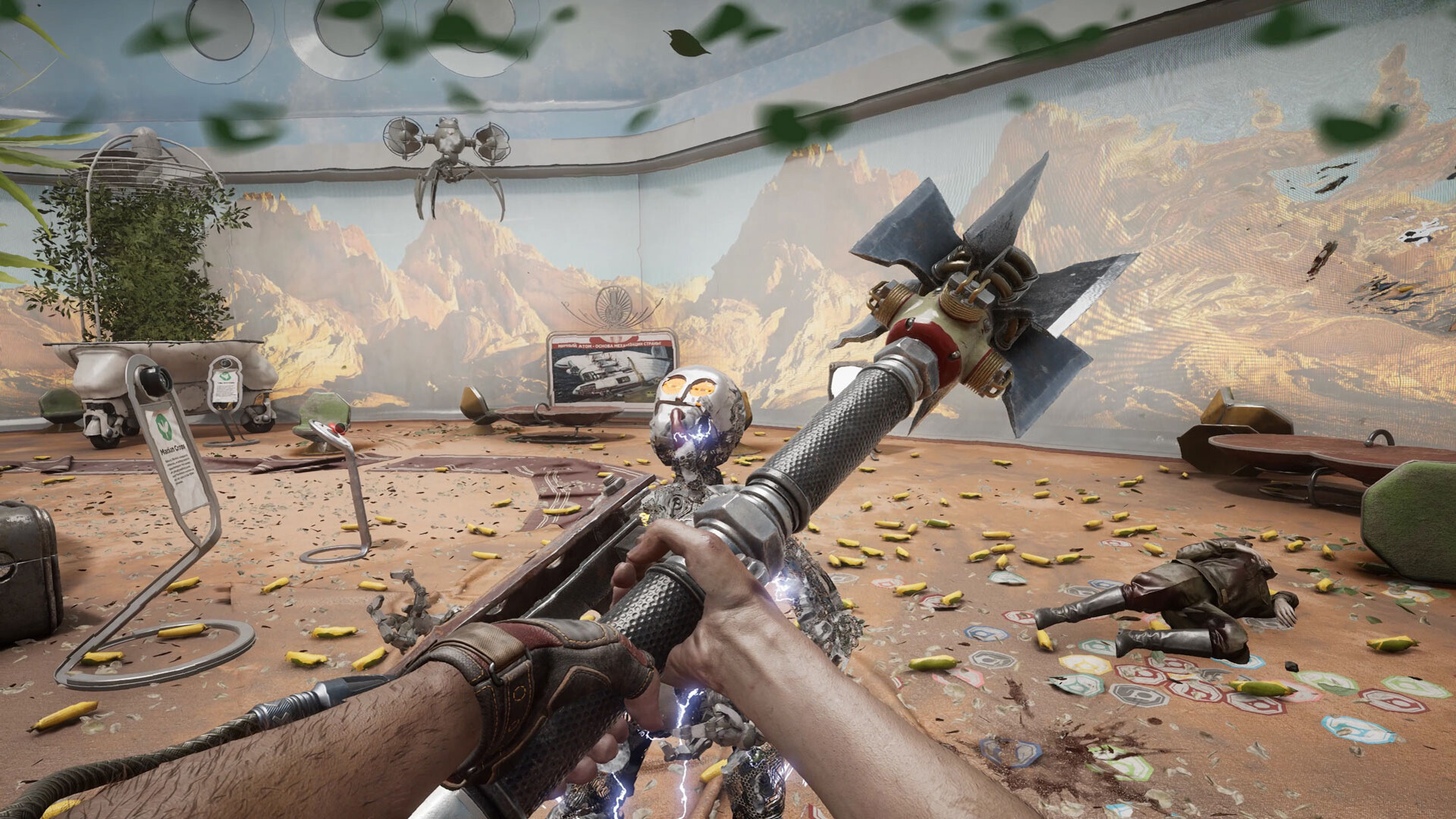
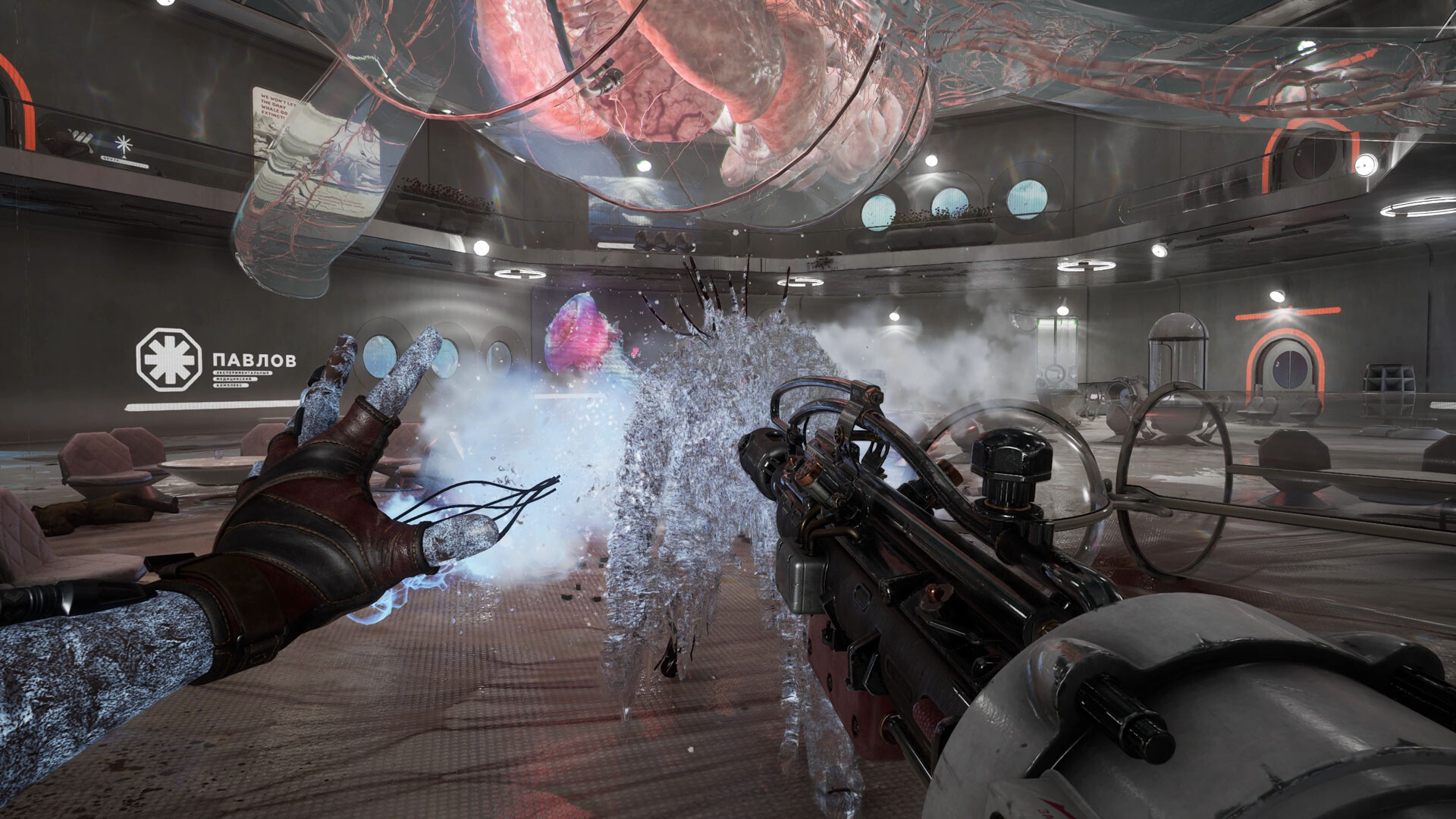
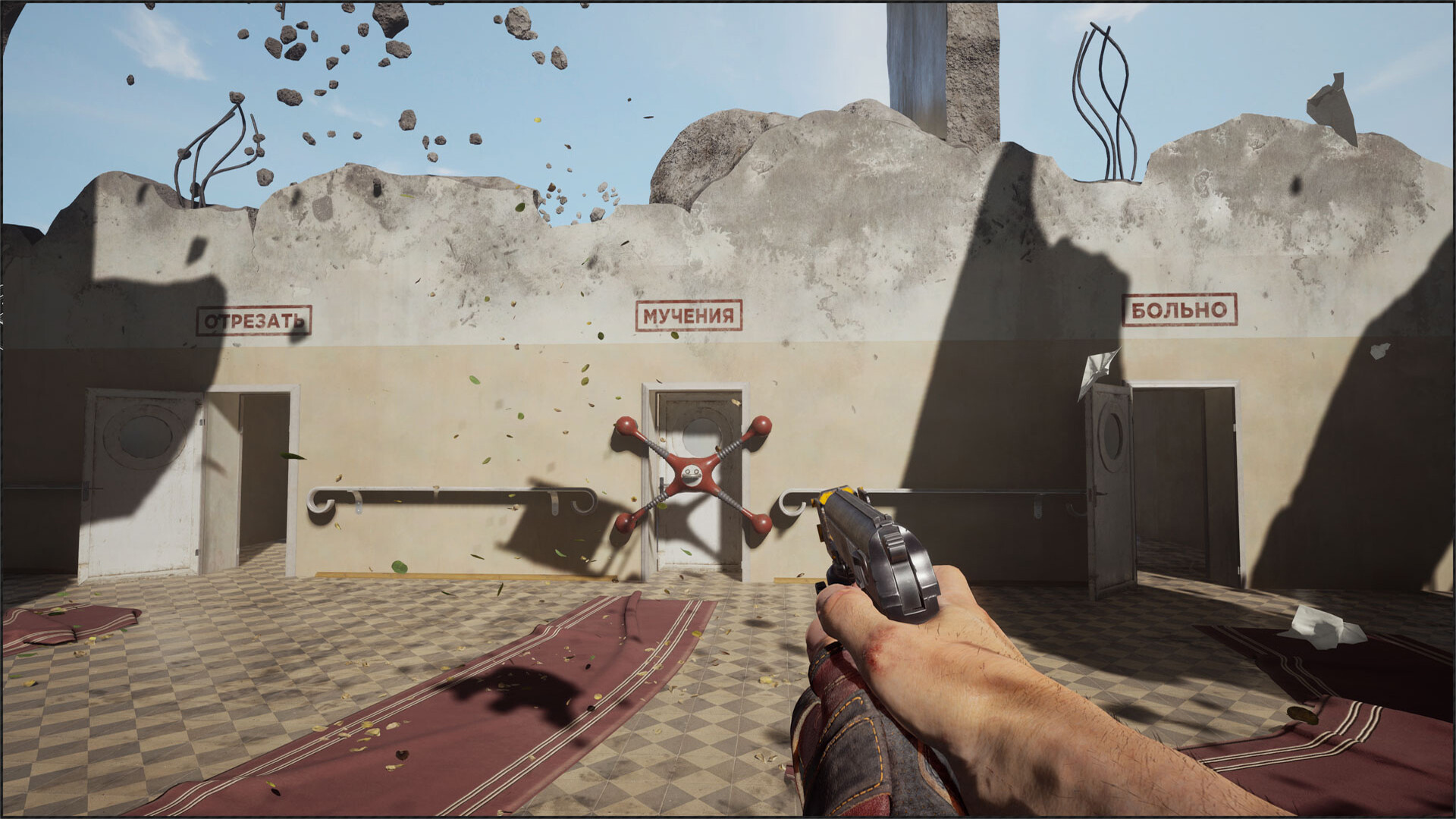
Using the combat abilities granted by your experimental power glove, your arsenal of blades and cutting-edge weaponry, fight for your life in explosive and frenetic encounters. Adapt your fighting style to each unique opponent. Combine your skills and resources, use the environment and upgrade your equipment to overcome challenges and fight for good.

• An utopian world, both mad and sublime
• Visceral, spectacular and unforgiving combat
• Blast giant machines and mutants using your multiple skills and advanced weapons
• Upgrade your arsenal and equipment
Before You Start
- For help with downloading or installing, see the installation guide and launch troubleshooting guide.
- Support the developers by buying the original game from the official store.
- Copyright enquiries: [email protected]